



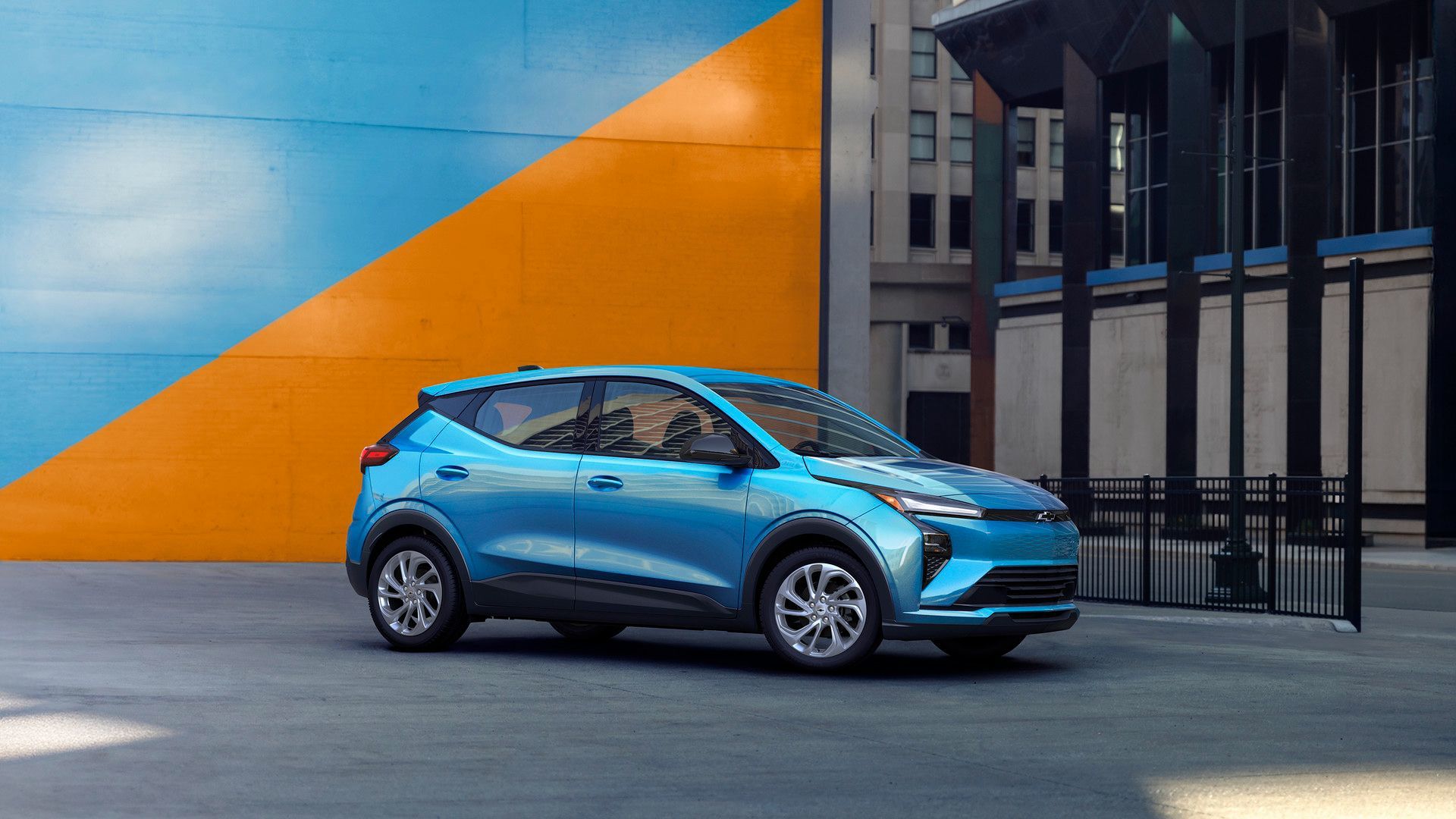
You plugged in your Chevy EV, walked inside, and expected to wake up to a full battery. Instead, nothing happened. Whether you drive a Bolt EV, an Equinox EV, or a Silverado EV, a charging issue can feel alarming fast. Most of the time, the fix is simpler than you’d expect.
This guide covers the most common reasons your Chevy EV isn’t charging, starting with the easy stuff and working toward the problems that genuinely need professional attention. If you’d rather skip the troubleshooting and have one of our Certified Service technicians take a look, you can schedule service at Turan-Foley Chevrolet anytime.
Start Here: Quick Checks Before You Worry About a Repair
Before jumping to conclusions, run through a few basics. Check that your Chevy EV is fully in park, since some models will not initiate charging unless the transmission is properly set. Confirm the charge port door is fully open and that nothing is physically blocking the connector from seating correctly.
Also verify that your home circuit breaker hasn’t tripped. These small details cause a surprising number of “why is my Chevy EV not charging” moments and take only seconds to rule out.
Step 1 — Disconnect and Reconnect the Charging Plug
A loose or improperly seated connector is one of the most frequent causes of a failed charge session. The connection between your Chevy EV and the charger needs to be firm and complete to allow power to flow. If the plug was rushed in at an angle or bumped after being connected, the session may have never actually started.
How to Properly Reseat the Connector
- Unplug the charging cable completely from the vehicle’s charge port.
- Inspect both the plug and the port opening for debris, moisture, or visible corrosion.
- Firmly reinsert the connector until you hear or feel a click confirming a secure latch.
- Avoid pulling the cord at any angle once seated, since tension on the cable can break the connection.
If the port feels stiff or the connector is difficult to seat, do not force it. Inspect the port carefully before trying again.
What the Charge-Status Light Is Telling You
The charge-status indicator light on the top/center of your EV’s instrument panel communicates whether the vehicle is actively charging, done charging, or flagging an error. A flashing green light means the vehicle is connected and the battery is actively charging. A solid green light means charging is complete.
If the indicator shows an error state, this often points to a connection issue between the vehicle and the EVSE, meaning the two could not establish proper communication. A flashing red light signals a problem that may require further diagnosis or a visit to our service department.
Step 2 — Confirm Your Chevy EV Is Not Set to Delayed Charging
Delayed charging is a useful feature that lets you schedule charging during off-peak electricity hours to save money. But it also means your Chevy EV can sit plugged in for hours without drawing any power, which is easy to forget. If you set a schedule and later found your Bolt EV or Equinox EV wasn’t charging, a delayed-charge setting is often the culprit.
How to Check and Clear a Scheduled Charge in the myChevrolet App
- Open the myChevrolet app and go to the charging settings for your vehicle.
- Look for any active charging schedule and check whether “Departure Time” or “Off-Peak Charging” is enabled.
- If you need to charge immediately, tap the option to charge now to override the schedule.
- You can also clear the schedule from the infotainment screen inside the vehicle.
The session should begin within a few moments of confirming the change.
Step 3 — Rule Out Home-Outlet and Cord Problems
When it comes to Chevy EV charging issues at home, the setup matters as much as the car itself. A standard 120-volt household outlet can charge most Chevy EVs, but it charges slowly and can be sensitive to electrical issues in your home. A Level 2 home charger, which runs on 240 volts, delivers faster results but requires proper installation. Either way, problems with your outlet or EVSE can mimic a car-side fault and mislead your diagnosis.
Why Chevy Says to Avoid Extension Cords and Power Strips
Using extension cords, power strips, or adapters when charging your Chevy EV is genuinely risky. These accessories are not rated for the sustained electrical load that EV charging demands. They introduce resistance and inconsistency into the power supply, which can cause overheating, tripped breakers, or damage to your onboard charger. Chevrolet specifically advises against all of them. Always plug your charging cable directly into a dedicated wall outlet or a hardwired Level 2 charging unit.
How to Test Whether Your Outlet or EVSE Is Delivering Power
If you suspect a charging station isn’t sending power, plug a different appliance into the same outlet to confirm it receives power at all. For Level 2 chargers, check the unit’s indicator lights, since most EVSEs display faults or readiness through their status lights.
If you see a message indicating the charge station is not powered, the issue is most likely with the outlet or charger rather than the car. Resetting your circuit breaker and the EVSE unit often resolves this quickly.
If you’ve ruled out home-side issues and your Chevy EV is still not charging, our service department can run a full diagnostic on the vehicle’s charging system.
Step 4 — Cold-Weather Charging Issues and What to Do
Cold temperatures affect EV batteries in real ways. Lithium-ion cells charge more slowly and less efficiently when cold, and some Chevy EVs will automatically limit charging speed to protect the battery in low temperatures. If your car seems to be charging unusually slowly or not at all during a cold snap, the weather itself may be the explanation.
Ice or Snow Blocking the Charge Port
Ice buildup around the charge port is a straightforward but often missed issue. Even a thin layer of ice can prevent the connector from seating fully, breaking the electrical connection before charging can begin. Always clear ice and snow from the charge port area before attempting to plug in. Never use sharp tools to chip away ice near the port. Pouring warm water carefully over the port opening is a safer approach when conditions have been especially harsh.
Using Battery Preconditioning Before a Fast-Charge Session
Battery preconditioning warms the battery to an ideal temperature range before charging begins, which makes DC fast-charging significantly more effective in cold weather. On supported Chevy EV models, you can activate preconditioning by tapping the Charging App icon on the vehicle’s center display and selecting Fast Charge Prep from the Settings menu.
On vehicles with Google built-in, routing to a DC fast-charging station using in-vehicle Google Maps can also trigger automatic preconditioning. The car will begin warming the battery automatically before you arrive. We recommend using this feature regularly during winter months if you rely on public fast chargers along the Mississippi Gulf Coast.
When the Problem Is Not a Quick Fix: Warning Signs to Watch For
Some charging issues point to a deeper problem that simple troubleshooting won’t resolve. If you consistently see a Chevy EV charging interrupted message after ruling out the steps above, something within the charging system may need inspection. A few specific warning signs deserve prompt professional attention:
- A flashing red charge indicator that reappears after resetting.
- Repeated charging interruptions with no obvious cause.
- An EV warning light on the dashboard alongside a charging fault.
- A charge port that no longer latches or releases properly.
- Visible damage to the charge port or connector.
These are not DIY situations. High-voltage EV components require trained technicians with proper tools and safety equipment. Attempting repairs on these systems without that background creates serious safety risks.
Schedule EV Diagnostics at Turan-Foley Chevrolet
If you’ve worked through each step and your Chevy EV still isn’t charging the way it should, our Certified Service team at Turan-Foley Chevrolet in Gulfport is ready to help. Our technicians work on Chevy EVs regularly and have access to GM-approved diagnostic tools designed specifically for these vehicles.
What Our Service Team Can Do
We can run a full diagnostic on your vehicle’s charging system, handle charging component repairs, and source genuine GM parts when needed. Whether you’re dealing with a Bolt EV charging fault, an Equinox EV that won’t initiate a session, or a Chevy EV warning light that keeps returning, we have the equipment and training to find the cause.
Service Hours and How to Reach Us
Our service department serves drivers throughout Gulfport and the Mississippi Gulf Coast with the following hours:
- Monday through Friday: 7:00 am to 7:00 pm
- Saturday: 7:00 am to 4:30 pm
Call our service team directly at 228-206-0327, or schedule your EV diagnostic appointment online at your convenience. You can also contact us with any questions before your visit. We’re here to get you back on the road with confidence.
Connect with us


- August 2026
- July 2026
- June 2026
- May 2026
- April 2026
- March 2026
- February 2026
- January 2026
- December 2025
- November 2025
- October 2025
- September 2025
- August 2025
- July 2025
- June 2025
- May 2025
- April 2025
- March 2025
- February 2025
- December 2024
- November 2024
- September 2024
- August 2024
- July 2024
- June 2024
- April 2024
- February 2024
- January 2024